AI Photo Booth Trends: Face Swap, Background Removal and Video Booths Clients Ask For
AI photo booths are booming at weddings, corporate events and brand activations. Learn face swap, background removal, offline vs online AI and video booths.
Also available in: Bahasa Indonesia · 中文
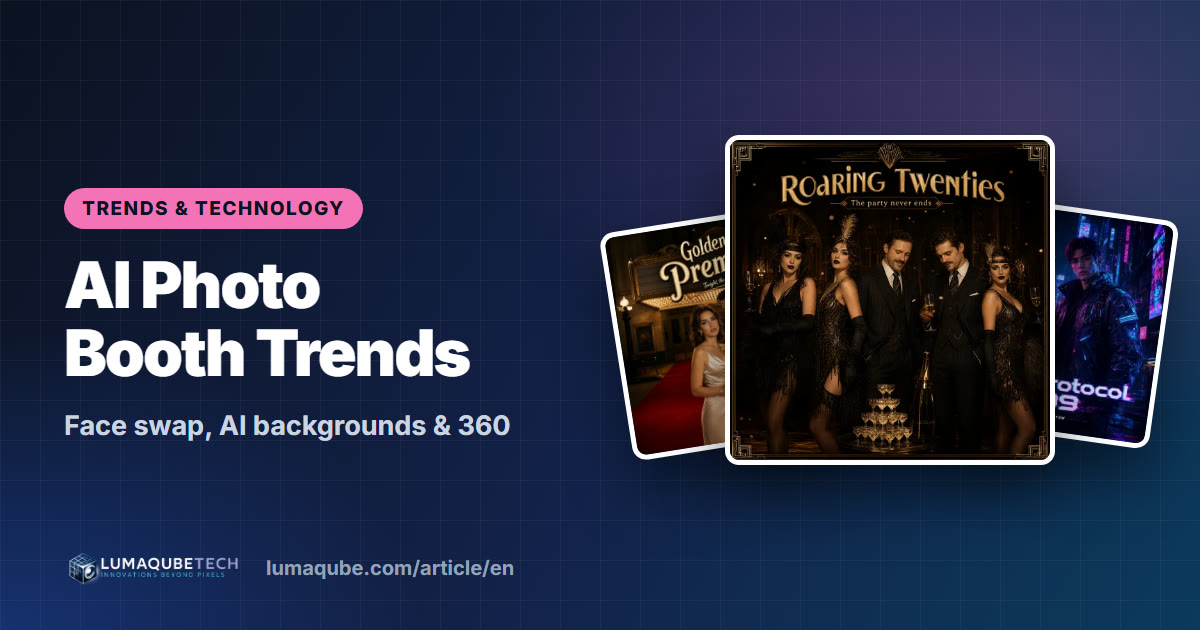
Photo booths are no longer just frames and funny glasses. Guests can now step into a movie poster, become Renaissance royalty, or appear on a beach without a green screen, all within seconds. AI photo booths are increasingly requested at weddings, corporate events and brand activations across the US and Europe. Here's what clients are asking for (face swap, background replacement, generative AI portraits and video booths) and how to sell them as a premium service.
Why AI photo booths are taking off
- Results people want to share. A photo that turns guests into characters or transports them somewhere else gets posted far more than a standard shot.
- A perfect fit for themes. A Great Gatsby wedding, a sci-fi product launch, a holiday party in a winter palace: AI templates bring the theme into every photo.
- Brand activations love it. AI portraits in a brand's visual world draw crowds at trade shows and pop-ups, and every share carries the brand.
- A clear differentiator. In a market full of open-air booths, AI is a reason to choose you, and a reason for a higher-priced package.
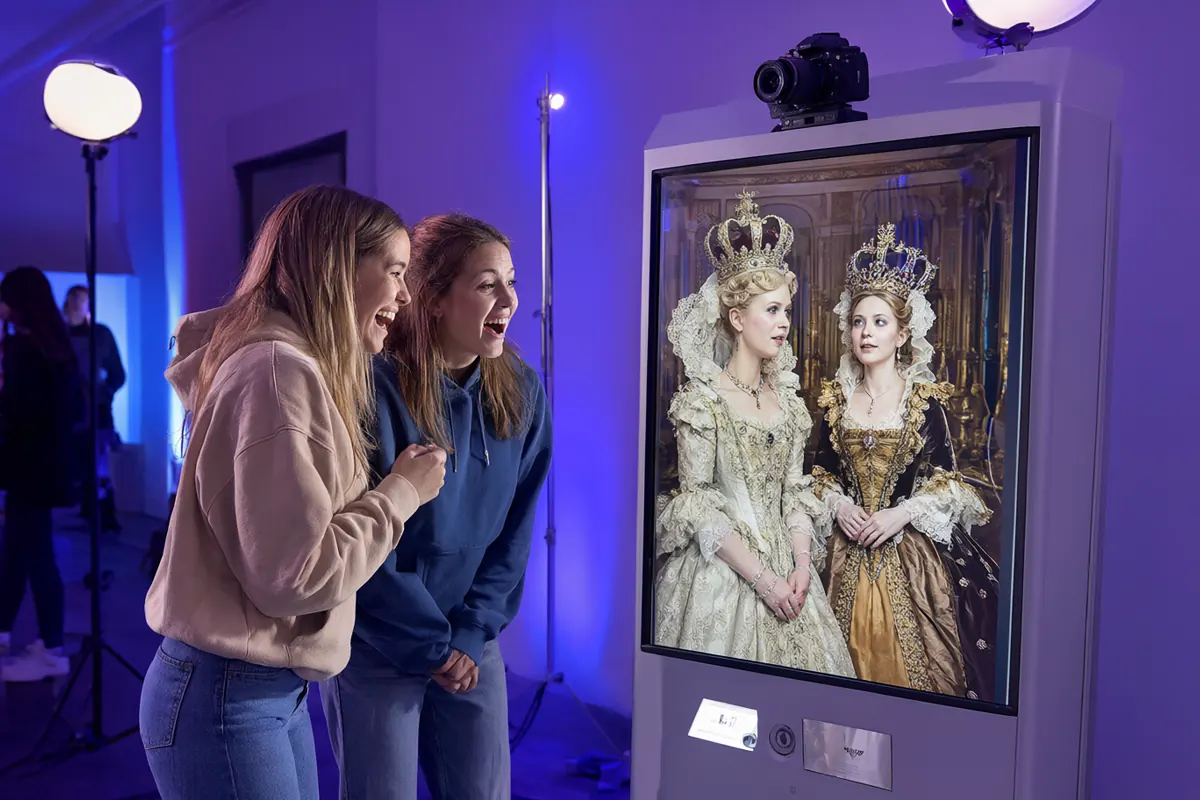
Face swap: guests' faces in the scene you choose
Face swap places the guest's face onto an image you've prepared: a movie poster, a superhero costume, a classic painting or a magazine cover. Guests take a normal photo and get back the scene with their own face in it.
Ideas that work:
- Weddings: guests as the cast of the couple's "movie poster".
- Corporate events: employees on the cover of the company magazine or as sports stars.
- Kids' parties: astronauts, princesses, superheroes.
In Q-Booth, face swap runs on the booth computer itself, so it doesn't depend on the venue's internet. It's included in the Advanced and Pro editions. See Face Swap in the Help Center.
Background replacement without a green screen
Changing the background used to mean a green screen and careful lighting. Now AI separates people from their surroundings and places them anywhere: a beach, a city skyline, a themed set or a brand environment.
- Saves space and backdrop costs, which helps in small venues.
- One booth can offer many backgrounds that guests choose themselves.
- Best results come from a plain wall, even light and a little distance between people and the wall.
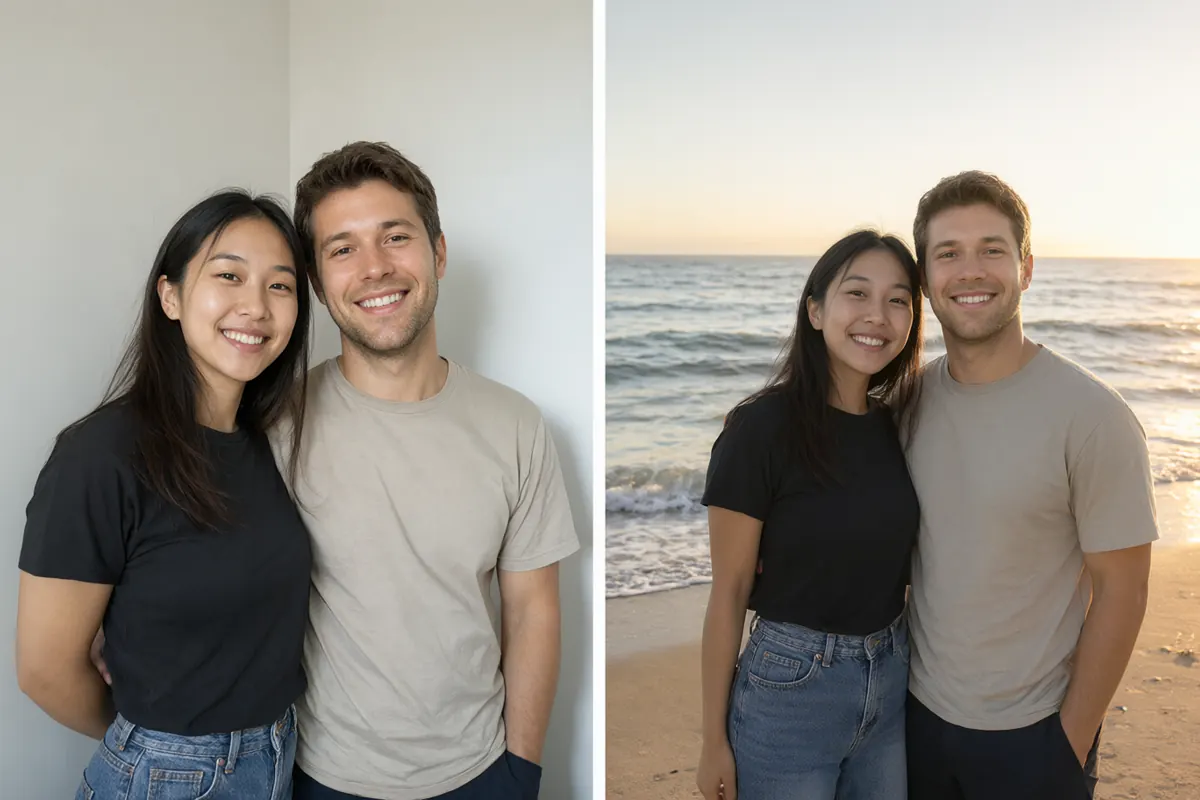
In Q-Booth, background removal and replacement are in Photo Studio, in every edition. See the Photo Studio guide.
Generative AI portraits
Generative AI can recreate a guest's photo in a completely different style: royal portrait, anime, cinematic poster, fantasy or decade themes. There are two ways to run it, each with its own strengths:
| AI Offline | AI Online | |
|---|---|---|
| Where it runs | On your own booth computer | On an AI service over the internet |
| Internet at the venue | Not needed | Required, and it must be stable |
| Cost per photo | None | Yes, per image generated |
| Computer needed | NVIDIA RTX graphics card | A regular laptop is enough |
| Best for | Busy events, venues with unreliable internet, high volume | Getting started without a graphics card, a very wide range of themes |
Q-Booth offers both. AI Offline (Pro edition) runs AI image templates directly on the booth computer, without sending photos to the internet. AI Online (Advanced and Pro) uses an online AI service, either with built-in tokens or your own AI provider account. Learn more in AI Offline Studio and AI Online Studio.
Browse the ready-to-use templates on the LumaQube home page, from cinematic themes to collages and strips.
Video booths and moving formats
Short video is what guests post most, and it's made for Reels, TikTok and Stories:
- Boomerangs and slow motion: short looping clips that are funny and dramatic.
- 360 video booths: a camera arm spins around guests on a platform. A favourite at proms, galas and brand events.
- Clip sequences with music: several short takes edited into one shareable video.
- Flipbooks: a short video printed as a little book you flick through, a memorable party favour.
- Lenticular prints: prints that change as you tilt them.
- Augmented reality: guests pose with a virtual character who walks into the frame.
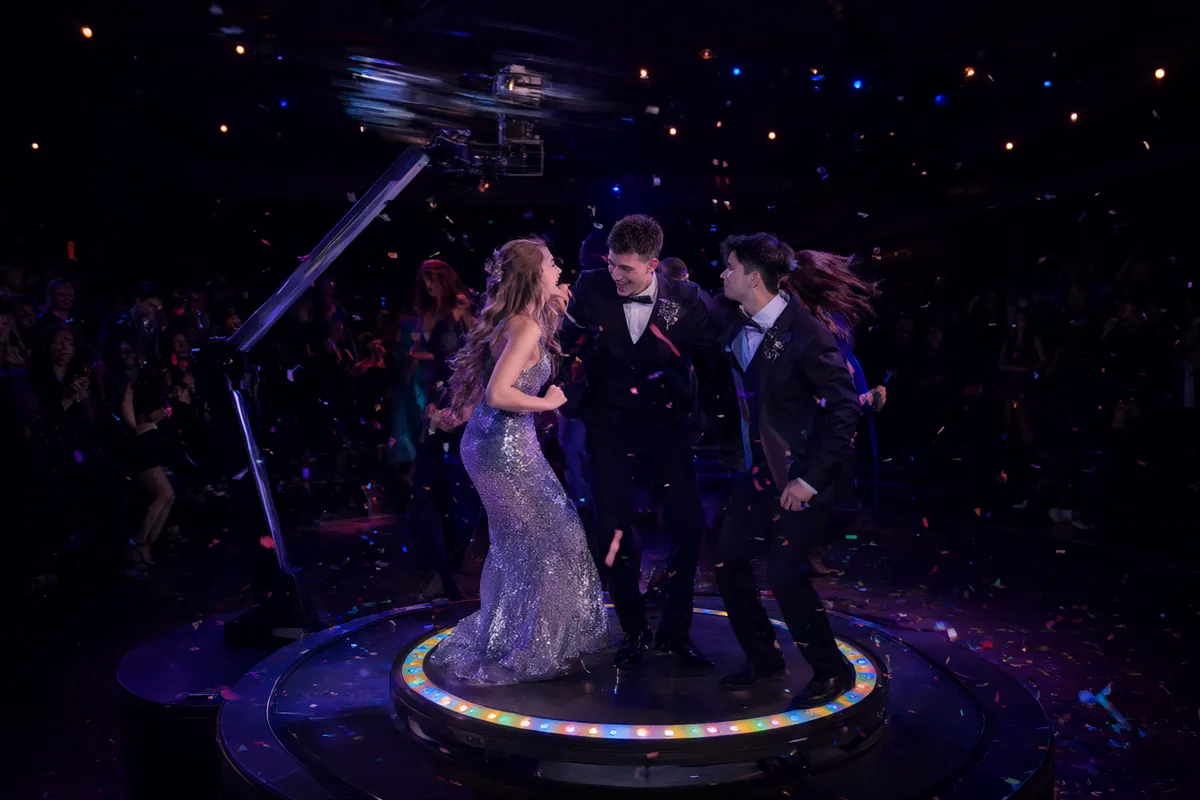
All of these run in Q-Booth: see Motion Studio, Flipbook, Lenticular and Augmented Reality.
How to sell AI photo booths to clients
- Show real examples. Keep a few AI results in different styles in your portfolio and short videos on social media. Clients buy what they can picture.
- Match the theme to the event. Offer two or three AI looks that fit the client's concept rather than a confusing menu of dozens.
- Package it as a premium tier or add-on. AI is clear added value; put it in your top package or sell it per hour. See how to build tiered packages.
- Manage waiting time. AI takes a few seconds. Show an engaging processing screen and bring the next group forward meanwhile.
- Test on site. With AI Online, test the venue's connection first. If the internet can't be trusted, AI Offline is the safer choice.
- Respect privacy. Ask before using guests' photos in your marketing, tell them where photos are processed, and follow GDPR in the EU and UK.
How to get started with AI photo booths
You don't need to be an AI expert. With Q-Booth:
- Download the Q-Booth trial and install it on a Windows 10/11 64-bit laptop or PC.
- Try the ready-made templates, or build your own in the AI studios.
- Add templates to an event, design the guest screens, and launch.
- Pick the edition that fits on the Products page.
Watch the Q-Booth video tutorials to see each step.
Frequently asked questions
Does an AI photo booth need internet?
It depends. AI Online needs a stable connection. AI Offline and face swap in Q-Booth run on the booth computer, so they keep working when the venue's internet doesn't.
What computer do I need for AI Offline?
AI Offline image templates need an NVIDIA RTX graphics card. At least 8 GB of graphics memory is recommended, with an 8-core processor and 16 GB of RAM or more. Details are in the system requirements.
How long does one AI photo take?
Usually a few seconds, depending on the template, the quality setting and the speed of your computer or connection. Test your templates before the event to know the timing.
Can AI results be printed and shared by QR?
Yes. AI results work like any other result: add a frame, print them, and share them by QR code or email.
Ready to run your own photo booth?
Q-Booth runs photo, collage, video and AI photo booths from one Windows app. Try it free before you buy.
Learn Q-Booth
Step-by-step guides and video tutorials for every kind of booth.