How to Start a Photo Booth Business: A 7-Step Guide for Beginners
How to start a photo booth business in the US or Europe: pick a niche, buy the right gear, get insured, price your packages and land your first bookings.
Also available in: Bahasa Indonesia · 中文
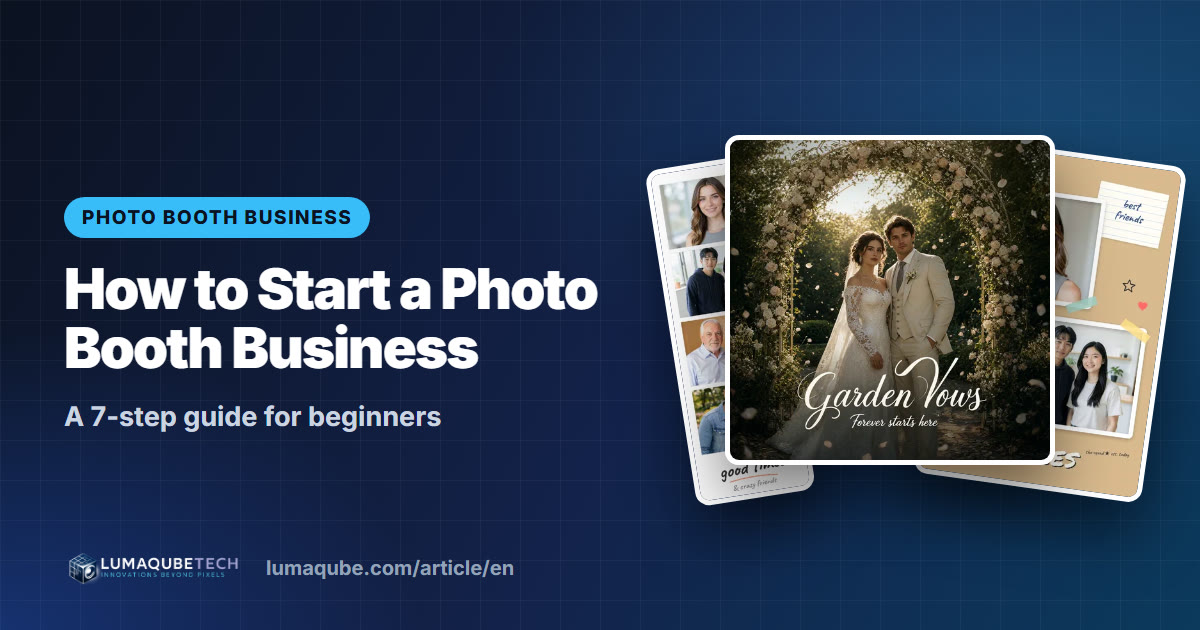
A photo booth business is one of the easiest event businesses to start small. The gear fits in a car, you can begin on weekends, and every booking puts you at the happiest part of someone's party: weddings, corporate holiday parties, bar and bat mitzvahs, proms, brand activations. This guide walks through how to start a photo booth business in 7 steps, from choosing your niche and buying equipment to insurance, pricing and landing your first bookings in the US or Europe.
Why photo booths are still a strong business
Everyone has a phone camera, yet guests still line up for the booth. People don't book a photo booth for the photo alone. They book an experience: a group laughing with silly props, a print to take home, and a clip that goes straight to Instagram or TikTok.
- Steady demand. Weddings, milestone birthdays, school events, company parties and product launches happen every weekend, and most of them want entertainment and a party favor in one.
- Easy to keep fresh. Classic print strips, GIFs and boomerangs, 360 video booths and now AI photo booths let you upgrade your offer without starting over.
- Flexible model. Start as a side business with one booth, then add units, staff and higher-value corporate work.
1Pick your niche and set a first goal
"Photo booths for everyone" is hard to market. Decide who you want to serve first:
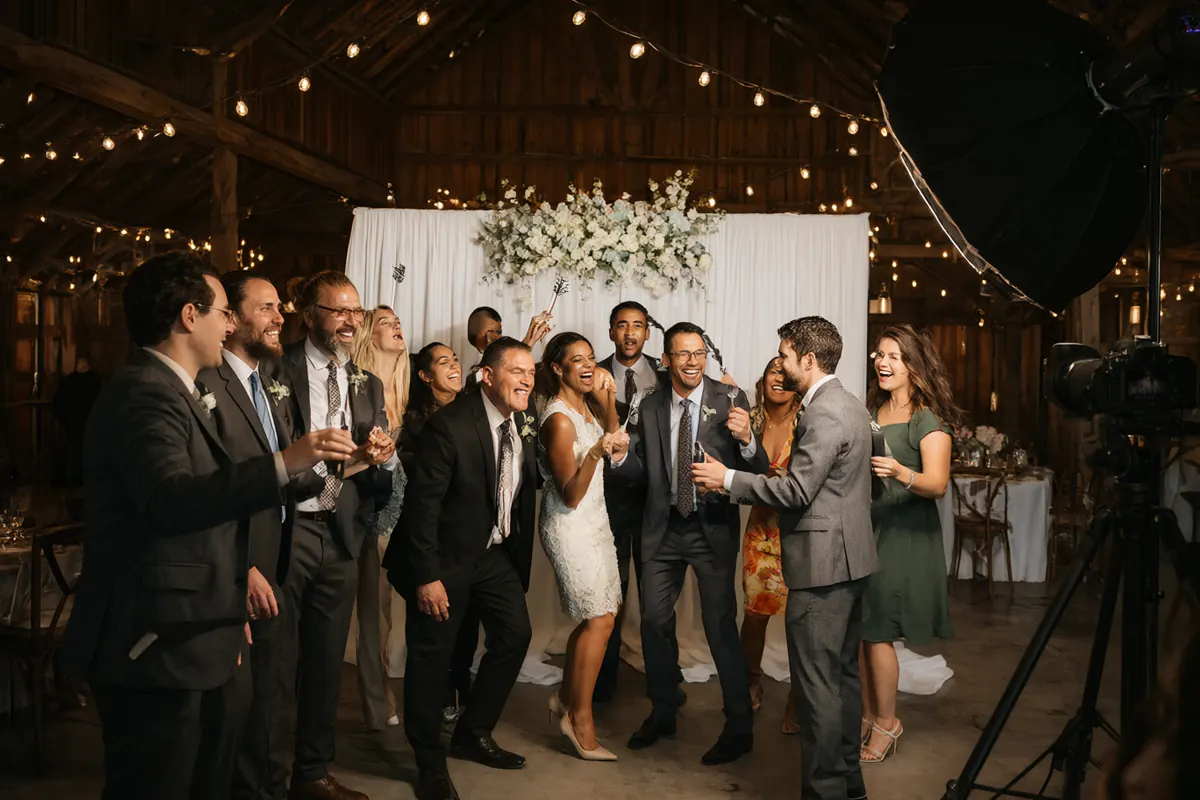
- Weddings: elegant setups, custom print designs, guest-book scrapbooks. Booked months ahead, mostly on weekends.
- Corporate and brand events: holiday parties, conferences, product launches. Higher budgets, branded templates, often weekday bookings.
- Schools and community events: proms, graduations, fundraisers. Price-sensitive but high volume in season.
- Private parties: birthdays, sweet sixteens, quinceañeras, mitzvahs.
Then set a simple, measurable goal, such as "10 paid events in my first six months". It keeps your marketing focused.
2Choose your business model
There are two main paths:
- Mobile event photo booth: you bring the booth to the client's venue and run it for a few hours. Low overhead, income per event.
- Walk-in self-portrait studio: customers come to your space and shoot themselves in a private room with a remote or touchscreen. Daily income, but rent and staff to cover.
The trade-offs are covered in Event Photo Booth vs Self-Portrait Studio.
3Buy the right equipment (without overspending)
You don't need a $15,000 turnkey booth to start. Begin with what matters most to the result, then upgrade as bookings come in.
| Equipment | Lean start | As you grow |
|---|---|---|
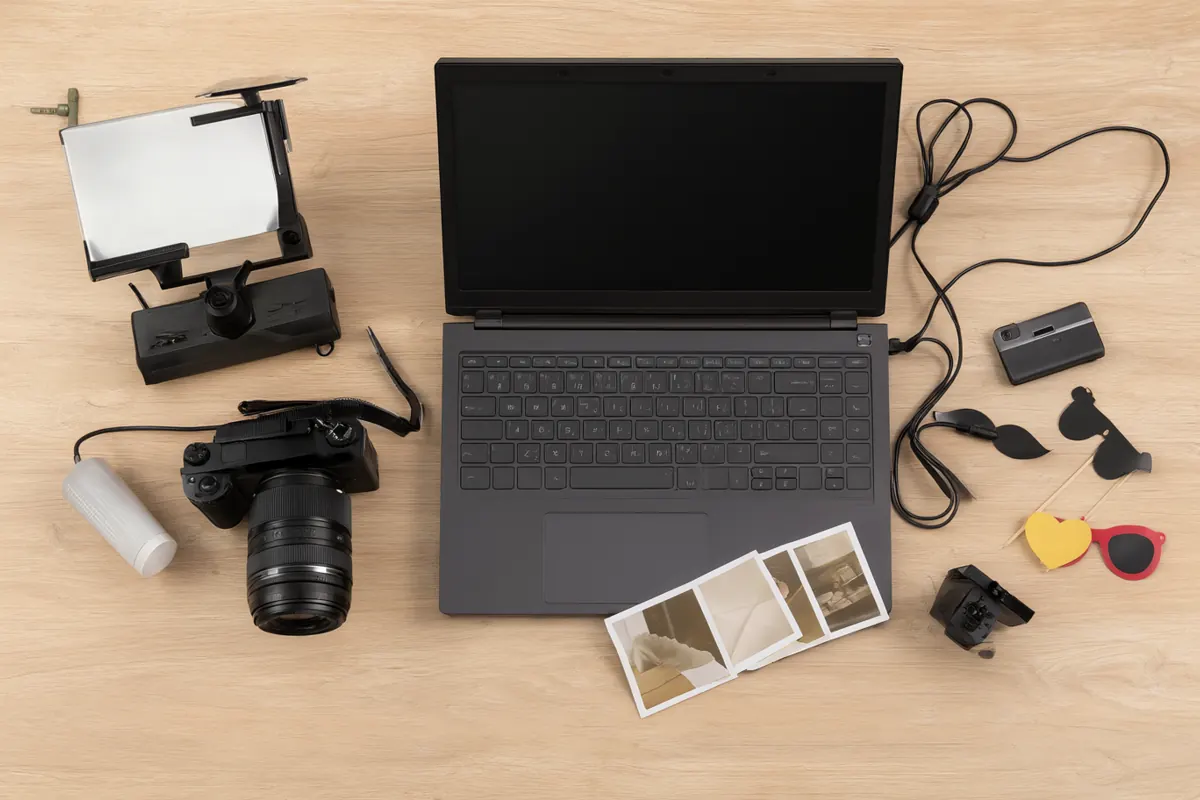
| Camera | A used DSLR or mirrorless body with the kit lens, or a good webcam with strong light | A newer body with a fast prime lens (35mm/50mm) |
| Lighting | One LED panel with a softbox, or a ring light for close-ups | Two studio strobes with softboxes for flattering, consistent light |
| Printer | A compact dye-sublimation photo printer | A high-capacity dye-sub printer (hundreds of prints per roll), plus a spare |
| Computer | A Windows 10/11 64-bit laptop | A PC with an NVIDIA graphics card if you want to run AI on the booth itself |
| Booth shell | An open-air stand and a pop-up backdrop | A branded enclosure or kiosk, several premium backdrops |
| Extras | Tripod, props, cables, gaffer tape, cases | Themed props, a scrapbook station, a 360 platform |
- Buy used, carefully. Camera bodies and lenses hold up well; bring someone who knows cameras when you buy second-hand.
- Choose dye-sub over inkjet. Dye-sublimation prints are fast, dry instantly and resist smudges, which matters with a line of guests.
- Rent before you buy expensive items like a 360 platform until clients ask for them regularly.
- Prioritise light. Good lighting does more for your results than a more expensive camera.
4Set the business up properly
A little paperwork early saves a lot of trouble later:
- Business structure: many US operators form an LLC; in the UK you might start as a sole trader or limited company; elsewhere in Europe, use the local equivalent. Register your business name and open a separate business bank account.
- Insurance: general liability cover is close to mandatory. Many venues ask for a certificate of insurance (COI) naming them before you can load in. Add equipment cover for theft and damage.
- Contracts: a clear rental agreement covering date, hours, package, deposit, balance due date, cancellation and what the client provides (space, power).
- Taxes: sales tax rules on rentals and prints vary by US state; in Europe, VAT applies above local thresholds.
- Privacy: if you collect guests' email addresses or use their photos in your marketing, follow GDPR in the EU and UK and the privacy laws of your US state. Ask for consent and say how long you keep the data.
Rules differ by country, state and city. Talk to a local accountant or business adviser before you take your first booking.
5Research your market and stand out
Search "photo booth rental [your city]" on Google, Google Maps, wedding directories and Instagram. Note five competitors: their packages, booth styles, print designs and how they present themselves. If prices aren't listed, ask for a quote like any client would.
Look for the gap. Maybe nobody local does elegant black-and-white wedding booths, AI portraits for corporate events, or fast turnaround for school proms. Then write your unique selling point in one sentence, for example "custom-designed prints for every event", "the most reliable booth for corporate events", or "the only AI photo booth in town". Keep your branding consistent: one name, two or three colours, one typeface across your site, social profiles and print designs.
6Market your booth and win the first bookings
- Google Business Profile: many clients find vendors on Google Maps. Fill out your profile completely, add photos, and ask every happy client for a review.
- Wedding directories and marketplaces: couples shortlist vendors there; reviews on those platforms carry weight.
- Instagram and TikTok: post short Reels of guests having fun, before/after AI results and behind-the-scenes setups.
- Planners and venues: get on preferred-vendor lists. Offer to set up a free showcase at a venue open house.
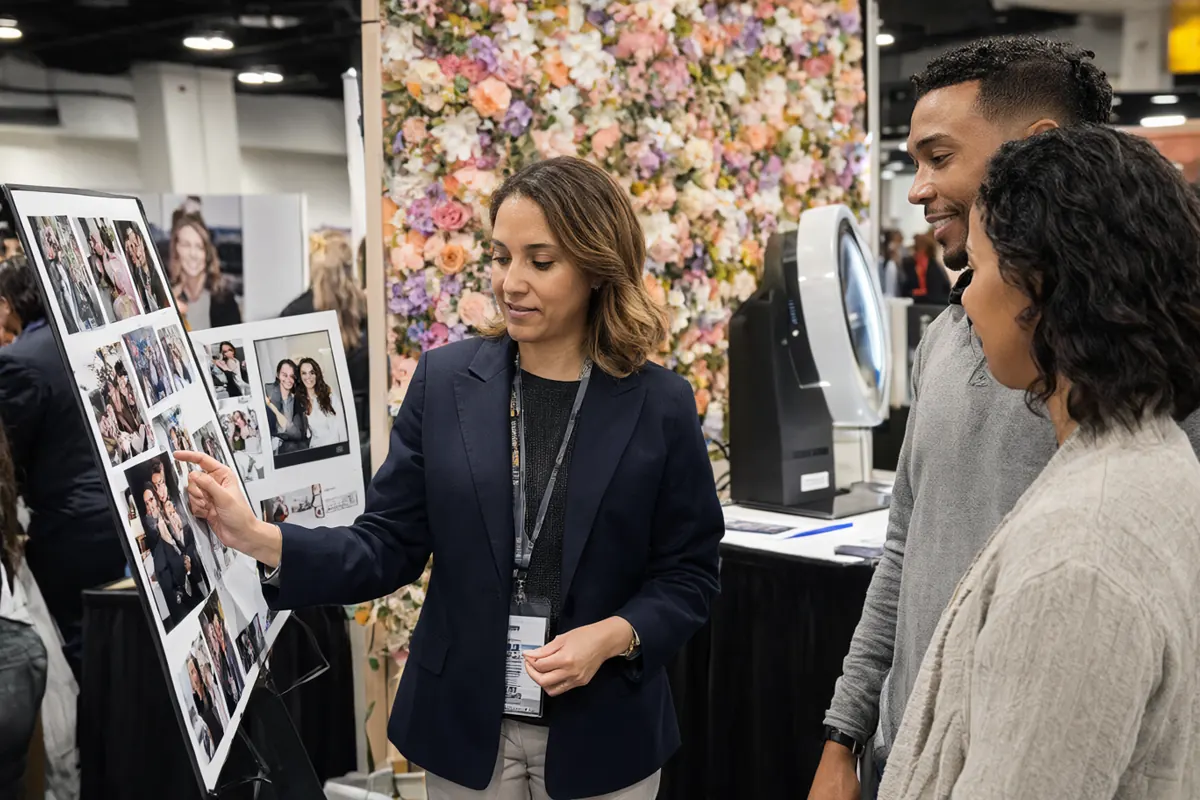
- Bridal shows and expos: run your booth live so couples can try it.
- Corporate outreach: event managers and HR teams book repeatedly; LinkedIn and a clear corporate package help.
For your first portfolio, offer friends and family events at an introductory price, or run a styled shoot with a planner, florist and makeup artist who also need photos.
7Price for profit
Start from your costs, not from the cheapest competitor:
As an illustration: a 3-hour package at $750 with about $200 in variable costs leaves about $550. Four events a month brings in roughly $2,200 before fixed costs such as insurance, software and marketing. Every market is different, so the full method, tiered packages and a break-even calculation are in How to Price Photo Booth Rental Packages.
Choose software that won't let you down
Software is the brain of your booth: it controls the camera, shows the live view, applies your designs, prints and delivers photos to guests. A crash in front of 200 wedding guests is not an option.
Q-Booth is photo booth software for Windows that runs every kind of booth from one app:
- Many booth types: single photos with frames, strips and collages, video booths (boomerang, slow motion, 360), flipbooks, lenticular prints, augmented reality and AI photo booths.
- Flexible cameras: webcams (including a phone used as a webcam), Canon cameras and GoPro.
- Guest sharing: prints, QR codes (including a local QR that works with no internet at the venue) and email.
- Kiosk mode with voucher codes for unattended booths, a guest survey, and a report for every event.
- Easy mode with a four-step wizard for beginners, and the full editor when you need more control.
You can try Q-Booth free before choosing an edition on the Products page.
Frequently asked questions
How much does it cost to start a photo booth business?
It depends on how you start. A lean open-air setup built from second-hand gear can cost a few thousand dollars, while a turnkey enclosure with a high-capacity dye-sub printer often runs $10,000 or more. Add insurance, software and marketing. List the essentials, price them locally, and upgrade as bookings grow.
Is a photo booth business profitable?
It can be, because most costs per event are small compared with the package price. Profit depends on how many events you book, your pricing and how efficiently you run them. Work it out with your own numbers using the break-even method.
Do I need a license or insurance?
Most places require a general business registration, and many venues won't let you in without liability insurance and a certificate of insurance. Requirements vary, so check with your city or county (or local authority) and an insurance broker.
How do I get my first clients?
Build a small portfolio from friends' events, set up your Google Business Profile, post Reels of real guests, and introduce yourself to local planners and venues.
Ready to run your own photo booth?
Q-Booth runs photo, collage, video and AI photo booths from one Windows app. Try it free before you buy.
Learn Q-Booth
Step-by-step guides and video tutorials for every kind of booth.